Steel MTO: All-In-One Suite(V3.5)
Overview
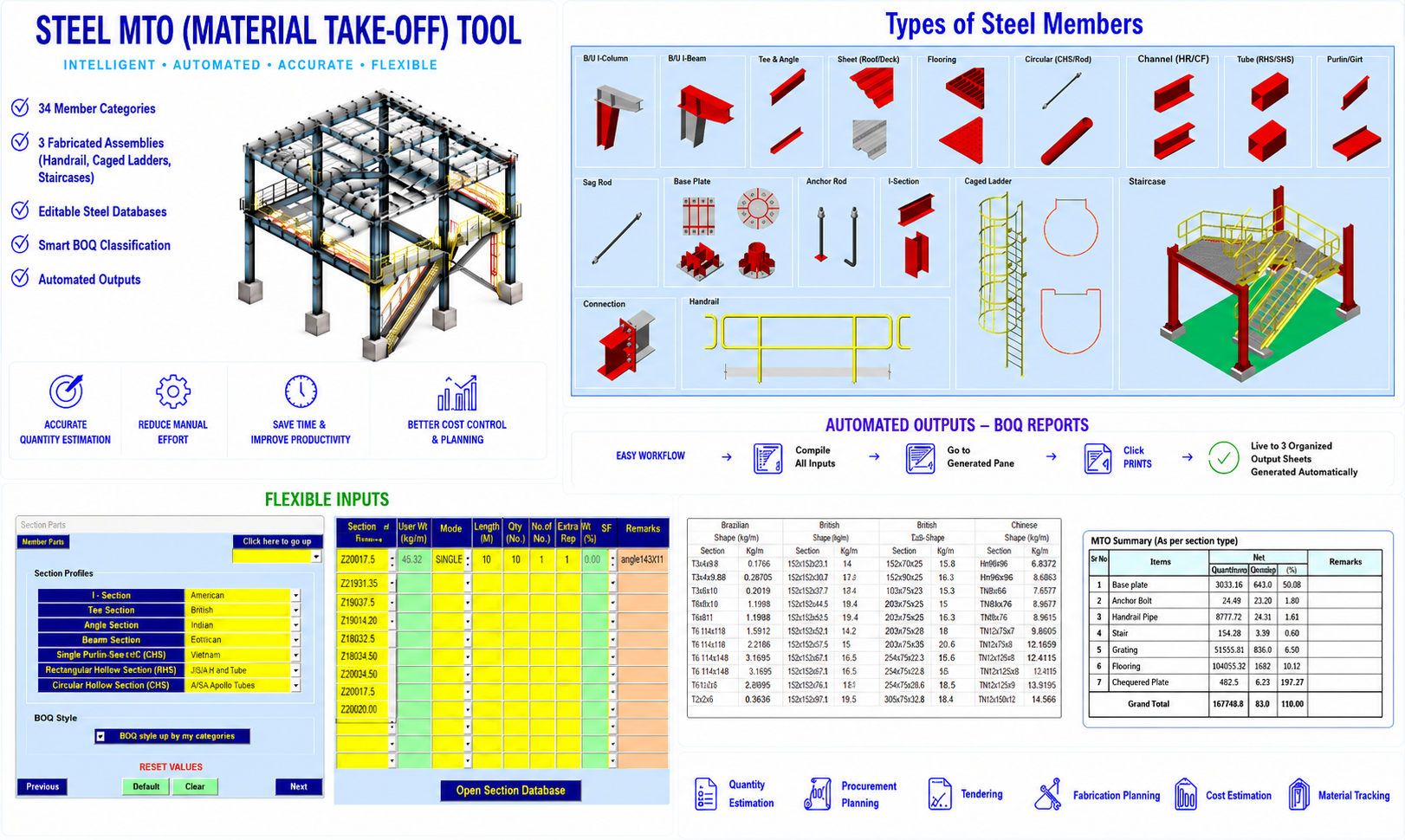
The Steel MTO (Material Take-Off) Tool is a comprehensive automated quantity estimation solution developed for calculating steel quantities used in a wide variety of structural steel applications. The software is designed to simplify and accelerate the preparation of accurate steel BOQs for industrial, commercial, infrastructure, and PEB projects.
The application combines extensive steel databases, intelligent quantity calculations, customizable BOQ categorization, and user-friendly interfaces to provide a powerful and flexible material estimation platform for structural engineers, estimators, fabricators, and EPC organizations.
Extensive Member and Assembly Coverage
The software includes dedicated input sheets for:
- 34 individual steel member categories
- 3 fabricated steel assemblies
The fabricated assemblies include:
- Handrails
- Caged ladders
- Staircases
The software supports a broad range of structural steel applications covering both:
- Heavy steel industry requirements (oil & gas, industrial structures)
- Light steel and PEB industry requirements
This wide coverage makes the software suitable for highly diversified steel quantity estimation projects.
Support for Multiple Steel Section Types
The application supports:
- Rolled sections
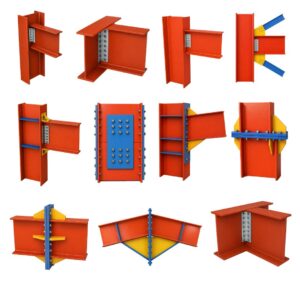
- Built-up sections
- Hot-rolled profiles
- Cold-formed sections
for structural components such as:
- Columns
- Beams
- Bracings
- Plates
- Secondary steel members
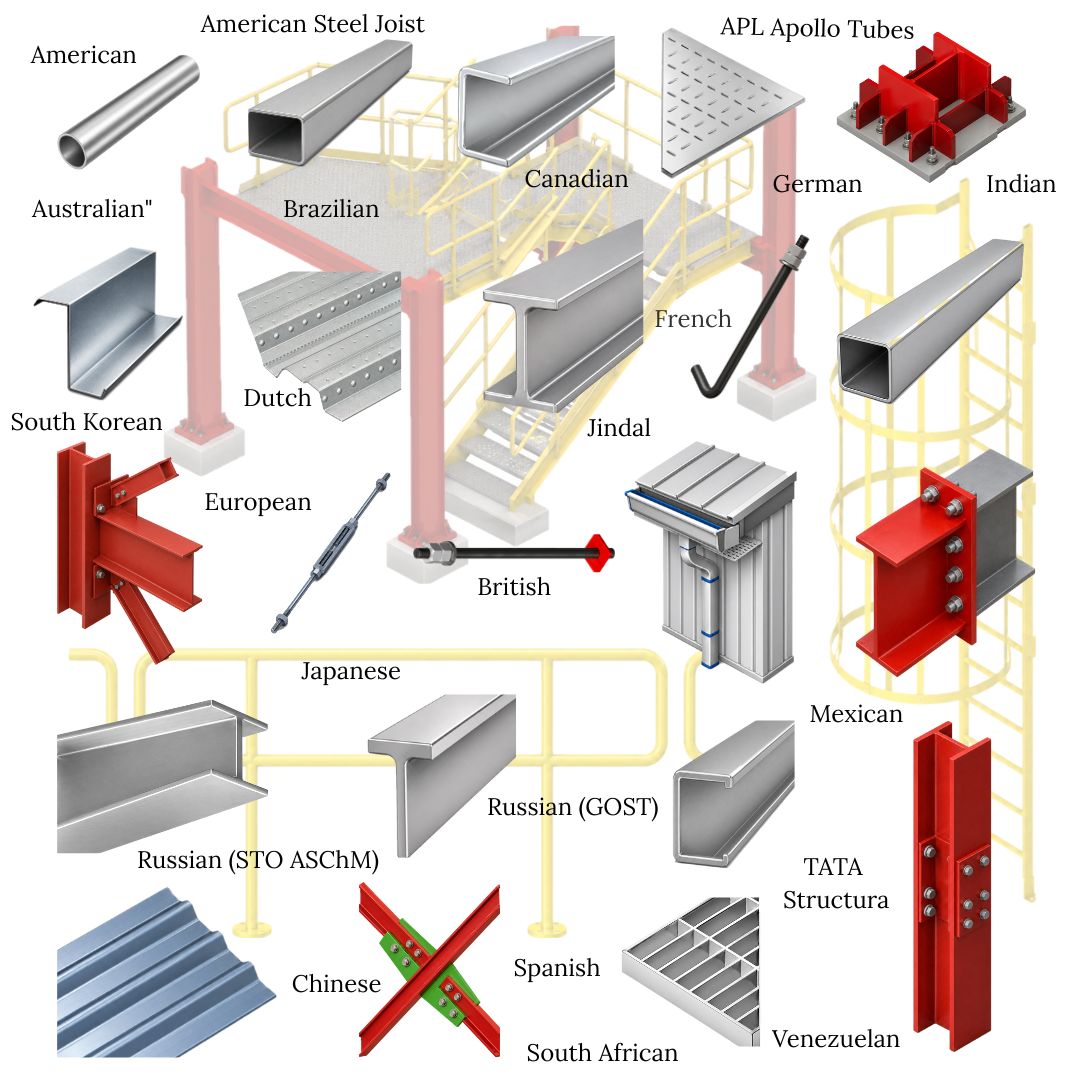
The built-in steel database includes section profiles from multiple countries and manufacturers, making the software adaptable to international engineering practices and standards.
Intelligent Quantity Calculation
The software computes steel weights using either:
- Built-in unit weight tables
- First-principle calculations based on steel density (7850 kg/m³)
This enables accurate quantity estimation even for:
- Custom fabricated members
- Non-standard plate shapes
- User-defined built-up components
Additional percentage allowances may also be specified for miscellaneous items such as:
- Stiffeners
- Seat angles
- Cleats
- Clips
- Shims
thereby improving the realism and completeness of project quantity estimation.
Fully Editable Steel Databases
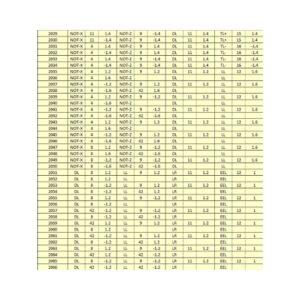
All built-in steel databases may be accessed directly through the:
- “Open Section Database” button
The integrated databases contain:
- Country names
- Manufacturer names
- Section designations
- Unit weights
Users may freely:
- Add new sections
- Remove unwanted sections
- Modify unit weights
- Rearrange database entries
This flexibility allows organizations to maintain customized steel libraries aligned with project standards and procurement practices.
Flexible Shape Handling for Plates
For baseplates and connection plates, the software supports three shape categories:
- Rectangular/Square (“R”)
- Circular (“C”)
- Other custom shapes (“O”)
Selecting the required shape automatically enables only the relevant input fields while disabling unnecessary inputs, thereby simplifying data entry and minimizing user errors.
Advanced BOQ Classification System
The software organizes quantities into:
- Member-wise classifications
- Assembly-wise classifications
supporting up to:
- 37 predefined classifications
In addition, users may create:
- Up to 30 custom BOQ categories
This enables flexible quantity segregation for purposes such as:
- Floor-wise quantity breakup
- Area-wise segregation
- Discipline-wise reporting
- Fabrication package division
- Project phase segregation
The custom classification system significantly improves the usefulness of generated BOQs for project planning and execution.
User-Friendly Workflow and Interface
The organization of input sheets is designed to provide:
- Easy navigation
- Simplified data entry
- Convenient future referencing
- Efficient handling of large projects
To create custom BOQ split-ups, users simply assign the required category number from the:
- Structure Sub-Type (SST) listbox
for each relevant input row.
The associated input fields become accessible automatically whenever the required checkbox is enabled in the Section Profile input sheet.
Automated Output Generation
Once all quantity inputs are completed, users may proceed to the final input form titled:
- “Chequered Plate”
and click the:
- “Finish” button
to automatically generate:
- Up to three organized output sheets
The generated outputs present BOQs in structured formats suitable for:
- Quantity estimation
- Procurement planning
- Tendering
- Fabrication planning
- Cost estimation
- Material tracking
Practical Industry-Oriented Solution
The Steel MTO Tool is particularly beneficial for:
- Structural steel consultants
- EPC contractors
- Fabrication companies
- PEB manufacturers
- Quantity surveyors
- Industrial project teams
Its intelligent automation, editable databases, flexible BOQ categorization, and broad industry applicability make it a dependable and highly productive solution for professional steel quantity estimation workflows.

Steel MTO: All-In-One Suite(V3.5)
$ 71
: 12 Months

Imran Shaikh, Steel Structure Engineer, India –
We have benefited greatly from using SHEETFORGE Steel MTO for heavy steel and PEB projects. The organized output sheets and flexible quantity segregation help us prepare clear, reliable, and professional BOQs.
Christopher Lee, Quantity Surveyor, Singapore –
This application is a major time-saver for estimators and structural engineers. The editable steel database, unit weight tables, and automatic member-wise or assembly-wise quantity classification make steel MTO preparation much easier.
Rohan Mehta, Estimation Engineer, India –
SHEETFORGE Steel MTO has greatly improved the speed and accuracy of our steel quantity take-off process. It supports many member types, fabricated assemblies, and customizable BOQ categories, making it very useful for complex steel projects.
Naveen Kumar, Project Engineer, India –
SHEETFORGE Steel MTO made me realize how much time we had been losing with our own manual Excel-based MTO sheets. If we had found this application earlier, we could have avoided a lot of spreadsheet development, checking, and rework.
David Collins, Engineering Consultant, USA –
After using SHEETFORGE Steel MTO, I honestly wished I had discovered it before spending time developing my own spreadsheet for steel quantity take-off. The application is far more organized, faster, and better suited for practical steel estimation work.